


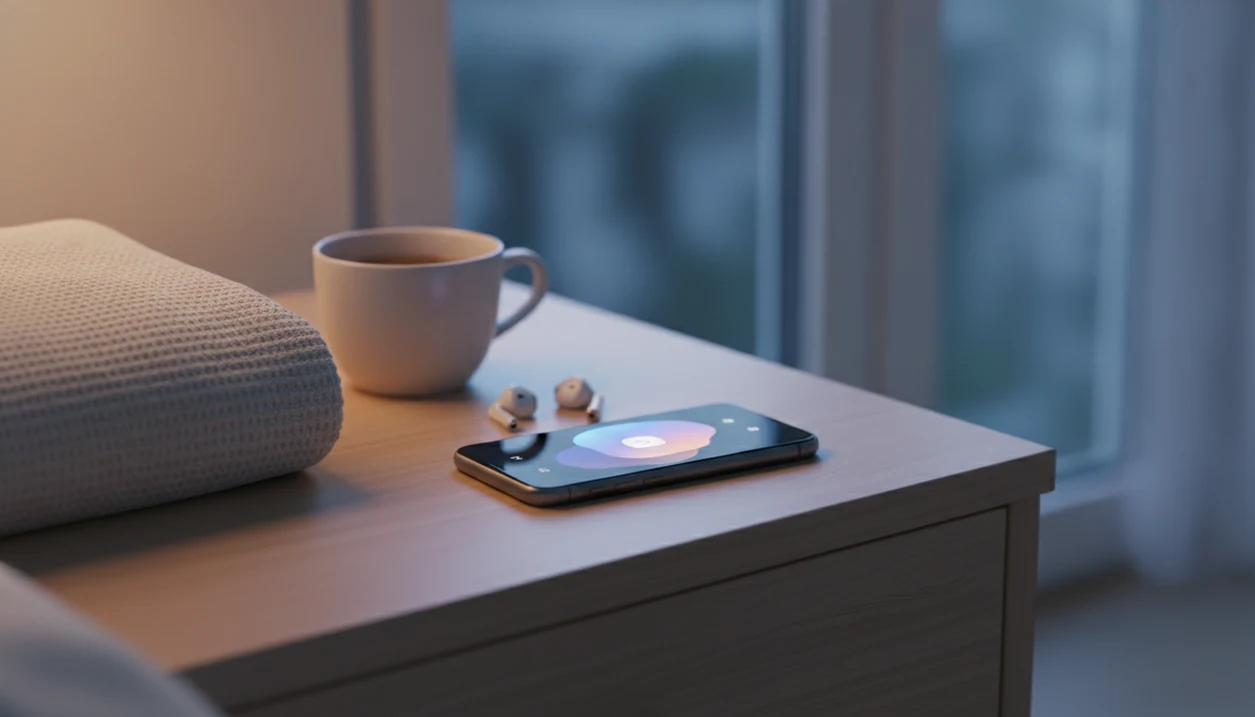
A meditation app for iPhone is an iOS application with guided meditations, sleep audio, breathing exercises, and calming routines intended to help adults fall asleep more easily, manage anxiety, and build everyday calm habits. The useful distinction is what happens after pressing play: clear guidance, comfortable audio, and fewer reasons to keep looking at the screen.
For bedtime, prioritize a session that is easy to find and repeat, with downloaded audio if internet access is unreliable. For daytime stress, short breathing exercises may be a better starting point than a long sleep track. MindTastik includes both kinds of content, but choosing an app also means checking device compatibility, subscription terms, and the limits of its health claims.
What Works in a Meditation App on iPhone
A useful meditation app for iPhone should make sleep and calm easier to start, not harder to manage. The strongest features are the ones you can use with a dim screen, tired eyes, and very little decision-making.
- Guided sleep meditations and sleep stories help when your mind is still busy after the lights are off.
- Breathing exercises should include bedtime pacing and quick mid-day resets for stress spikes.
- Offline listening and background audio matter when Wi-Fi drops or you lock the iPhone after pressing play.
- Bedtime reminders through iOS notifications turn the app into a repeatable wind-down cue.
- Sleep anxiety content is more useful than generic mindfulness when the problem is racing thoughts in bed.
For iPhone users who need a calm starting point at night, MindTastik fits because it groups sleep audio, breathing, and beginner routines into a bedtime workflow instead of making you search a large library at 11:48 p.m.
The thumb hovering over bedtime audio is real.
Minimum Requirements for MindTastik on iOS
This iOS meditation app is designed for recent iPhone models running supported iOS versions, with enough storage for downloaded sleep sessions. Most users should plan for a stable internet connection during the initial App Store download, then use offline listening for saved sessions.
Offline audio does take space. A few short breathing tracks may use little storage, but a fuller sleep library can add up if you download many 20- to 30-minute sessions. Keep an eye on iPhone storage if you also save podcasts, music, and videos.
MindTastik works with standard iPhone audio output, including wired headphones and Bluetooth earbuds such as AirPods. If you are comparing platforms for another device, the meditation app for Android sleep and calm guide covers the Android side without assuming iOS features.
How a Sleep Meditation App for iPhone Works
A sleep meditation app for iPhone works by guiding attention away from worry loops and toward repeatable body-based cues. In plain language, it gives your mind something calm to follow before sleep.
- Guided audio may support relaxation by shifting attention from rumination to breath, body position, or a simple narrator cue.
- Paced respiration uses timed breathing to help the body move from high arousal toward a calmer bedtime state.
- Habit loops connect a cue, routine, and reward: bedtime reminder, guided session, then easier sleep onset.
- Sleep timers and fade-out audio reduce the need to check the iPhone again after starting a session.
- Mindfulness research includes a 2015 JAMA Internal Medicine randomized trial that found improved sleep quality in older adults with moderate sleep disturbances.
Therapists and mental-health guidelines commonly recommend relaxation skills as supportive practice for stress and sleep routines, especially when they are repeated consistently. Good meditation apps deliver a wind-down routine, not a medical diagnosis or a cure.
In the middle of the night, a quiet iPhone can still pull attention away from rest.
How to Use MindTastik as Your iOS Meditation App
Use MindTastik on iPhone by setting one clear sleep or calm goal, then repeating the same short routine for at least a week. Don’t start with everything in the library.
- Download MindTastik from the App Store and open it when you have five quiet minutes, not when you are already half-asleep.
- Set your sleep goal and preferred session length so the app can show 5-, 10-, 20-, or 30-minute options.
- Enable bedtime reminders through iOS notifications and choose a time that matches your real routine.
- Choose a sleep meditation or breathing exercise based on what feels manageable tonight.
- Download sessions for offline listening before travel, low-signal nights, or shared Wi-Fi problems.
- Review your calm streak and sleep patterns weekly so you can notice which sessions you actually repeat.
Beginners trying to stop scrolling before bed can use MindTastik because the setup narrows the choice between a 5-minute breathing exercise and a 20-minute body scan. If you want a broader install guide, start with the download meditation app page.
At-a-Glance: MindTastik Sleep and Calm Features
The iPhone experience should stay focused on sleep, anxiety support, and everyday calm rather than pushing users into a large wellness catalog. The helpful part is not having more buttons. It is having a simple choice ready when the mind feels crowded.
- Guided sleep meditations: Bedtime audio for racing thoughts, restlessness, and late-night wakeups.
- Breathing exercises: 4-7-8 breathing and box breathing for short reset moments.
- Self-hypnosis sessions: Anxiety-focused audio for users who prefer deeper guided relaxation.
- Offline mode: Downloaded sessions play without Wi-Fi after setup.
- Bedtime reminders and sleep timer: iOS notifications and fade-out audio support a repeatable wind-down.
- Everyday calm routines: Beginner sessions for morning, work breaks, and evening decompression.
On days when stress follows you into the bedroom, MindTastik earns its place because sleep audio and breathing resets sit in the same routine library.
MindTastik vs. Calm on iPhone for Sleep Meditation
MindTastik and Calm both support sleep meditation on iPhone, but they are built around different use cases. Calm, available through calm.com, is broader; MindTastik is narrower and more sleep-anxiety focused.
| Feature | MindTastik | Calm |
|---|---|---|
| Main focus | Sleep anxiety, breathing, everyday calm | Broad wellness, sleep, music, mindfulness |
| Session style | Guided meditation, self-hypnosis, breathing | Sleep stories, music, meditation courses |
| Pricing model | Free sessions with optional paid access | Free trial or limited free content, subscription for full library |
| Offline access | Download sessions for offline listening | Offline access depends on plan and saved content |
| Tracking depth | Calm streaks and sleep pattern review | App engagement and program progress |
| Privacy posture | Stores app-use and routine data needed for features | Broader consumer wellness platform tracking may vary by settings |
iPhone users looking for sleep anxiety support may prefer MindTastik because the session path starts with bedtime breathing, sleep audio, and self-hypnosis rather than a general wellness catalog. Calm may suit people who want celebrity stories, music, and a wider entertainment-style sleep library.
Evidence That iPhone Meditation Apps Improve Sleep and Anxiety
Research supports meditation and mindfulness as helpful tools for sleep and anxiety symptoms, but consistency matters more than one impressive session. The most evidence-backed approach is regular practice over weeks combined with healthy sleep habits.
- Around 30% of adults worldwide report short-term insomnia symptoms, and about 10% report chronic insomnia, according to a 2018 insomnia review. (PubMed research: 28690027)
- In a large U.S. survey, 35.2% of adults reported sleeping less than 7 hours per night, per the CDC. (CDC guidance: adults sleep facts and stats.html)
- A 2015 JAMA Internal Medicine randomized trial found mindfulness meditation improved sleep quality in older adults with moderate sleep disturbances. (JAMA Internal Medicine study: 2110998)
- A 2014 JAMA Internal Medicine meta-analysis found mindfulness meditation produced small to moderate improvements in anxiety, depression, and pain. (JAMA Internal Medicine study: 1809754)
- A 2021 systematic review found mindfulness-based mobile apps can reduce stress, anxiety, and depressive symptoms, though app designs and study quality varied.
Adults who wake, glance at their phone, and set it down again often need a repeatable cue, not a bigger content library. For bedtime-specific practice, the download sleep meditation app guide stays focused on sleep audio.
App research does not establish MindTastik-specific benefits
The evidence needs a clear boundary: research on mindfulness apps does not establish that every app produces the same results. A 2023 review of 28 randomized trials found generally modest improvements in well-being across programs lasting 7 to 56 days. Apps, comparison groups, outcomes, and practice durations differed substantially. No MindTastik-specific peer-reviewed trial was identified in the research reviewed for this page, so claims about its benefits should remain cautious.
Completing a research program is also different from downloading an app and occasionally opening it. A review of dropout and engagement in mindfulness-app trials found substantial variation across studies. Results among people who finish a program may overstate what typical users experience. A repeatable routine is therefore a practical selection criterion, not proof of effectiveness, and a week of use is not enough to judge lasting benefits.
Download MindTastik: Meditation App for iPhone Sleep and Calm
Download MindTastik from the App Store when you want a simple iOS meditation app for sleep audio, breathing resets, and everyday calm routines. Free sessions are available on download, with additional programs available through optional paid access.
MindTastik is a strong fit for adults who want calming audio ready when worry starts to build, because it includes offline sessions, bedtime reminders, and sleep timer support in one iPhone routine.
If anxiety is the main reason you are looking, you may also want the download anxiety meditation app guide for calm resets outside bedtime.
MindTastik for bedtime worry and short breathing breaks
MindTastik suits adults who want guided sleep audio and short calming exercises in the same library. Its sleep stories provide something quiet to follow at bedtime, while its breathing exercises offer a more focused option for brief daytime breaks. Self-hypnosis audio is another choice for people who prefer extended spoken relaxation. Those who dislike narration may prefer soundscapes or unguided practice. Persistent insomnia or significant anxiety calls for clinical assessment, not an app alone.
What an iPhone meditation app cannot treat
MindTastik can support a calmer bedtime routine, but it cannot solve every sleep or anxiety problem. That distinction matters.
- It is not a standalone treatment for severe insomnia, sleep apnea, panic disorder, trauma symptoms, or clinical anxiety disorders.
- Brand-specific evidence is limited compared with in-person therapy, cognitive behavioral therapy for insomnia, and larger mindfulness trials.
- Blue light and late-night phone use can work against relaxation if you do not dim the screen or use Night Shift.
- Voice-guided sessions do not help everyone. Some people find narration alerting rather than soothing.
- Freemium meditation apps may keep the most useful sleep content behind a subscription.
- A single session rarely creates lasting change. Most users need steady practice over several weeks.
- Earbuds can be annoying in bed, especially when one side is tangled around a charging cable on the nightstand.
People who want silent practice can try timers, breathing-only sessions, or written routines. A beginner-friendly path is covered in sleep meditation for beginners.
Adjusting an iPhone bedtime routine after one week
| If you... | Try | Why | Note |
|---|---|---|---|
| You skipped sessions because choosing one took too long | Create one saved default session | A preset choice removes the browsing step when energy is low. | Do not keep testing new sessions every night if repeatability is the goal. |
| You finished sessions but still felt mentally busy | Try a breathing exercise before a sleep meditation | A simple breathing cue may make the guided voice easier to follow. | Keep the total routine short enough to repeat. |
| You liked the app but forgot to open it | Set a gentle reminder tied to an existing evening habit | Reminders tend to work best when they attach to something already happening. | Avoid stacking too many notifications, which can make the routine feel noisy. |
iPhone meditation app questions
What should I look for in an iPhone meditation app for sleep?
Look for bedtime audio that is easy to find, download, and start without prolonged browsing. Check for background playback, a sleep timer, and reminders that can be adjusted or disabled. Voice style matters too: narration that feels engaging during the day may be too stimulating at bedtime.
Can an iPhone meditation app help with insomnia?
Meditation may support relaxation and improve some sleep symptoms, but app-specific evidence is less extensive than evidence for mindfulness more generally. An app is not a standalone treatment for persistent insomnia. Ongoing sleep difficulties warrant clinical assessment and a discussion of evidence-based care, including cognitive behavioral therapy for insomnia.
Can I listen to meditation audio offline on my iPhone?
Offline listening depends on the app and which sessions are available to download. MindTastik supports downloaded sessions for offline use. Save the audio while connected, then check that it plays without internet access before relying on it during travel. Downloads use iPhone storage, especially when several longer sessions are saved.
How long should a beginner meditate with an iPhone app?
Five to fifteen minutes is a reasonable starting range, consistent with short daily programs commonly used in app research. A longer session is not automatically better. Choose a length that can be repeated over several weeks, and use guided instructions if the basic technique is still unfamiliar.
Can meditation audio play when my iPhone screen is locked?
That depends on the app's background playback support. Check this before using it at bedtime: start a session, lock the screen, and confirm that playback continues and the audio controls remain usable. Download availability and locked-screen playback are separate features, so one does not guarantee the other.
What if guided meditation keeps me awake?
Spoken guidance does not suit everyone at bedtime. Try less verbal audio, such as a soundscape, or move guided practice to earlier in the evening. If choosing tracks becomes another source of frustration, shorten the routine. Persistent sleep problems should not be managed simply by trying more recordings.
How can I check a meditation app's privacy before downloading it?
Read its current App Store privacy information and privacy policy rather than assuming meditation or sleep entries stay on the phone. Check what information is collected, whether an account is required, and how deletion works. iOS availability alone does not establish that an app's data practices match personal privacy preferences.