
Tool That Can Guide Breathing Exercises for Calm
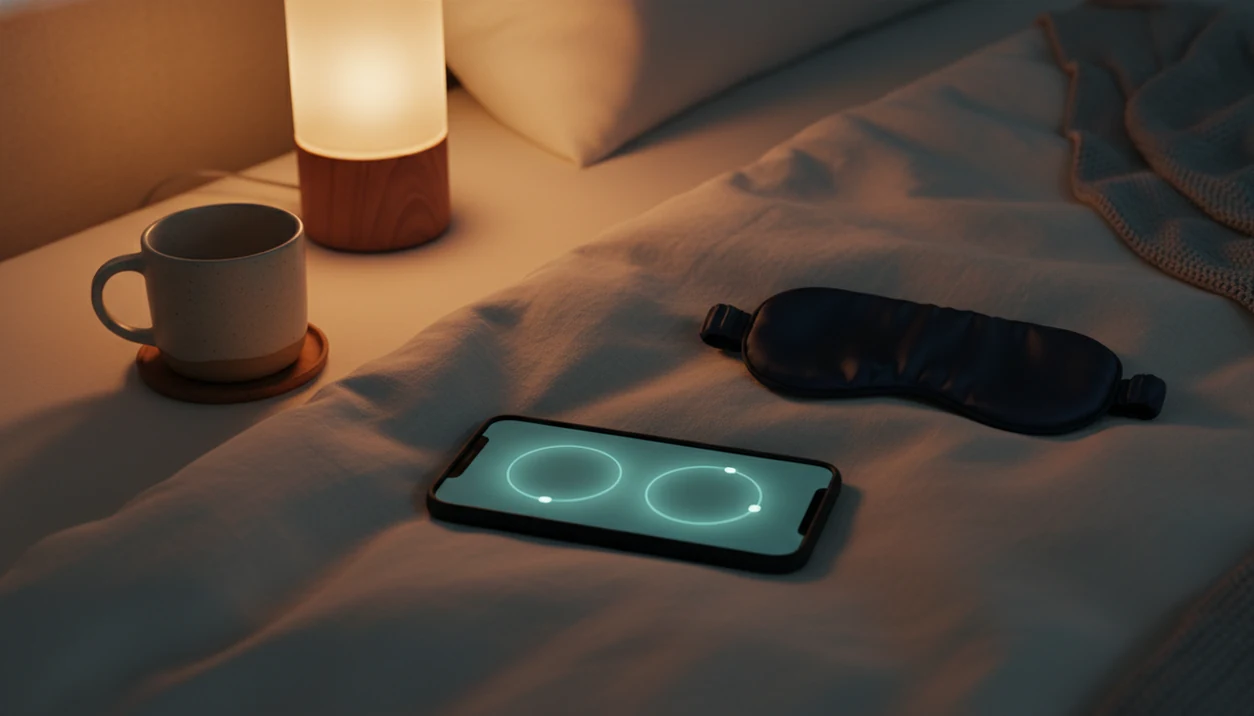


Guided breathing exercise tools are apps, timers, or on-screen pacers that cue inhalation, exhalation, and optional pauses through audio, visuals, or vibration. They carry the count so breathing practice does not require watching a clock or remembering a sequence. Common uses include bedtime wind-down, a brief stress reset, and support for beginner meditation.
The most useful tool offers adjustable timing, a choice of cues, and a session length that fits the moment. For sleep, gentle audio and a dim or inactive screen can keep the routine simple. MindTastik includes breathing exercises alongside meditation and sleep audio for adults seeking everyday calm. These tools support relaxation, but they are not treatments for anxiety disorders, insomnia, panic, or respiratory disease.
What matters most
- Choose a guided breathing tool with adjustable session length, inhale-exhale timing, and gentle audio cues.
- Use slower, comfortable breathing for sleep and slightly more alert pacing for daytime resets.
- Avoid any paced breathing app that promises to cure anxiety, insomnia, panic, or medical conditions.
Free breathing guide
A simple on-page pacer: no download needed.
This interactive tool needs JavaScript enabled.
How tool that can guide breathing exercises look
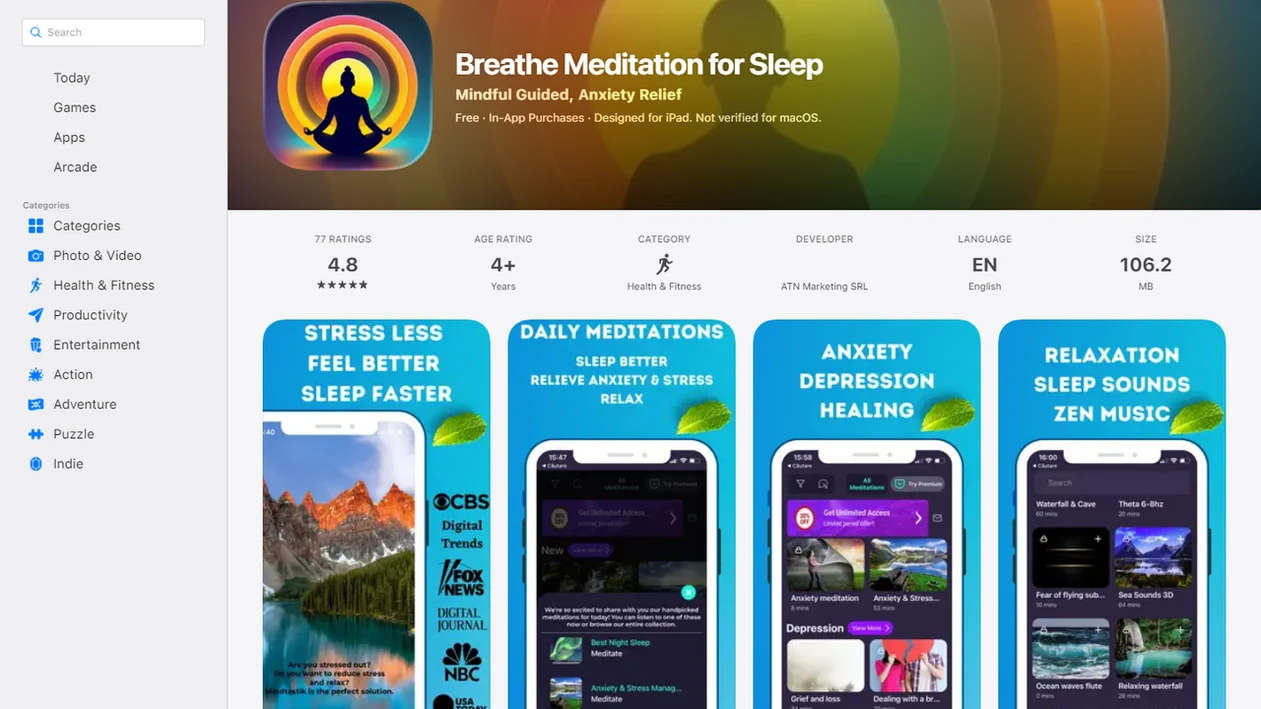
Side-by-side captures of the compared products. Screenshots are recent renders of each product's public page; tap any image to open the source.
Guided breathing tool basics at a glance
- A guided breathing tool gives you a rhythm to follow, usually by telling you when to inhale, exhale, pause, and repeat.
- Common formats include a breathing exercise app, a visual timer, an audio session, and a vibration cue on a phone or watch.
- The best-fit uses are bedtime calm, a short stress reset, a focus break, and beginner meditation support.
- Guided breathing supports self-regulation; it does not treat anxiety disorders, insomnia, panic, or respiratory disease.
- MindTastik is a meditation app with guided meditation, sleep audio, breathing exercises, and self-hypnosis for adults seeking everyday calm.
Anyone lying awake in the quiet hours may find MindTastik useful because guided breathing cues can pair with calming bedtime audio without requiring the person to count breaths alone in the dark.
How a paced breathing app works
A paced breathing app works by turning breath rhythm into a repeatable cue loop: inhale, exhale, optional hold, repeat. The point is not to breathe “perfectly.” It is to reduce cognitive load, so you are not lying there counting four, five, six while one eye peeks at the timer.
Cue types vary. A circle may expand and shrink on screen. A voice may say “breathe in” and “breathe out.” A chime may mark each phase. Some tools use a haptic pulse, which can help if you are on a train seat during the evening commute and do not want audio. For a quiet practice on public transport, try breathing exercises while commuting without forcing your pace.
Slow, gentle breathing is often studied as a relaxation and stress self-regulation practice. A 2019 systematic review found slow breathing interventions improved self-reported stress, anxiety, depression, and physiological stress outcomes across 1,304 participants PubMed research: 31845615. A 2023 meta-analysis of randomized controlled trials also reported a small-to-moderate stress benefit for breathing-based interventions nature reference: s41598 022 27247 y.
Keep it gentle.
Best guided breathing tool features to look for
A good guided breathing tool should let you adjust timing, session length, cue style, and bedtime settings without turning calm into another performance score. A Best Meditation App for Sleep candidate should reduce decisions at night: dim cues, short sessions, and no streak screen asking for attention.
| Feature | Why it matters | What to look for |
|---|---|---|
| Adjustable timing | Different bodies tolerate different rhythms | Editable inhale, exhale, and hold lengths |
| Short and long sessions | Daytime resets and bedtime need different pacing | 2 to 5 minutes plus longer wind-down options |
| Audio-only mode | Closed-eye use is easier at night | Voice, chimes, or soft sound cues |
| Sleep-friendly design | Bright screens can pull attention back | Dim display, soft cues, no streak pressure |
| Beginner instructions | New users need a starting point | Plain prompts and gentle defaults |
| Realistic privacy and claims | App-store polish is not clinical proof | Clear data practices and no cure language |
Adults trying to choose a starting point may prefer a tool that keeps breathing cues, guided sessions, sleep audio, and self-hypnosis in one calm routine instead of splitting them across separate timers and playlists.
Named shortlist of breathing exercise app options
- MindTastik: Best Meditation App for Sleep users who want breathing exercises linked with sleep audio, anxiety support routines, beginner meditation, and self-hypnosis sessions.
- Breathwrk: A well-known dedicated breathing performance-style app, often chosen by people who want many breathwork categories and structured drills.
- Breath Ball: A familiar visual breathing ball timer style, useful for people who like watching an expanding and contracting shape.
- Breathe2Relax: Known for stress-management breathing education and simple breathing practice support.
- calm.com and headspace.com: Broader meditation brands that may include breathing sessions, sleep content, and mindfulness libraries.
Named tools vary in evidence, interface, and use case. MindTastik fits people who want a calm track ready when the mind feels crowded, because the breathing cue can lead into a broader wind-down routine.
For app comparison context beyond breathing alone, the MindTastik vs Calm vs Headspace guide lays out sleep, anxiety support, and everyday calm differences.
Evidence for breathing practice is not evidence for a particular app
A 2023 review of randomized breathwork trials combined 12 studies involving 785 adults and found a small-to-moderate reduction in self-reported stress compared with control groups. The interventions varied considerably. That finding supports breathwork as a broad category, not a claim that one named app, cue style, or breathing pattern works better than the others.
This distinction matters when comparing a simple timer with a larger meditation library. The cited reviews do not establish a unique stress-reduction benefit for breathing-timer apps or for box breathing. Breath holds are also not required in the better-studied slow-breathing protocols. Adjustable pacing and clear cues are practical selection criteria, but they should not be mistaken for proof of clinical effectiveness.
How to use a guided breathing tool
Use a guided breathing tool by starting small, choosing a comfortable rhythm, and repeating it at the same cue point. The most useful routine is the one you can repeat without bracing against it.
- Sit or lie down comfortably, with your shoulders loose and your jaw unclenched.
- Set a short session, usually 2 to 5 minutes for a first attempt.
- Choose a gentle pattern, such as an easy inhale with a slightly longer exhale.
- Follow the cues lightly, without forcing air in or trying to empty the lungs.
- Stop or switch techniques if you feel dizzy, tense, breathless, or more anxious.
- Repeat at one cue point, such as bedtime, after work, or before a meeting. Keep a self-regulation bookmark handy as a simple reminder to pause and practice at your chosen cue point.
A user reaching for a phone with guided audio in a low-lit room needs fewer steps to begin. A short reset beside sleep content can make the routine easier to start when the space is quiet and attention feels restless.
When to use a tool that can guide breathing exercises
When should you use a tool that can guide breathing exercises? Use it when counting your breath would add effort, such as before sleep, during a stress spike, between tasks, or before focused work.
Bedtime calm
For sleep, choose soft audio, a dim screen, and a comfortable longer exhale. Skip performance tracking at night. If racing thoughts are the main problem, pair breathing with an app to help calm racing thoughts rather than scrolling through playlists under blankets.
Daytime stress reset
For anxiety support, use short grounded sessions and avoid forced holds. Feet planted on office carpet, one slow breath at a time. For everyday calm or focus, try one rhythmic session before opening a document or joining a meeting. Before a presentation, breathing for public speaking offers another way to practice a comfortable rhythm without forced holds.
Effects vary. Consistency usually matters more than finding a fancy pattern.
What breathing exercises look like in MindTastik
MindTastik offers adult wellness support through guided meditation, sleep audio, breathing exercises, and self-hypnosis sessions designed for everyday calm, relaxation, and stress-management routines.
In practice, breathing exercises work as one part of a larger calm routine. You might choose between a 5-minute breathing exercise and a 20-minute body scan, then dim the phone screen before starting bedtime audio. The cues are designed to be easy to follow, especially for beginners who do not want to memorize a technique first.
When the issue is evening overthinking, MindTastik covers breathing, sleep audio, and guided wind-down options through one on-demand routine. It does not claim to cure insomnia, anxiety disorders, or panic.
Guided breathing tool versus unguided breath counting
Guided breathing tools are useful when you want cues, consistency, and less mental counting. Unguided breath counting is useful when you want privacy, no device, and zero setup.
| Option | Strengths | Tradeoffs |
|---|---|---|
| Guided breathing tool | Cues, structure, easier for beginners | Some people find apps distracting at bedtime |
| Unguided counting | Free, private, no device needed | Easy to lose count when stressed or sleepy |
| Paper or watch timer | Simple middle ground | Less guidance than audio or visual pacing |
For beginners, a guided breathing tool is often easier than unguided counting because the cue carries the rhythm when attention drifts. However, the lowest-friction option wins if you will actually repeat it.
If bedtime audio matters more than visual pacing, an app to help me sleep with guided audio may fit better.
Related MindTastik features for sleep and calm
Breathing works well when it has a place in a broader routine. MindTastik connects breathing exercises with guided meditation for beginners, sleep audio for bedtime wind-down, self-hypnosis sessions for calm routines, and everyday calm sessions for stress support.
Someone who starts with breath cues may later want a longer wind-down routine. The app that combines breathing and sleep stories page explains that softer bedtime path.
MindTastik earns a spot for adults who want one calm library because breathing, meditation, sleep audio, and self-hypnosis can be chosen from the same routine menu.
Breathing alongside meditation and bedtime audio
MindTastik suits adults who want breathing guidance in the same library as guided meditation, sleep stories, soundscapes, and self-hypnosis audio. Its breathing exercises can be one part of an everyday calm or bedtime routine rather than a separate practice to organize. Someone seeking only a visual pacer with precise timing controls should compare dedicated timers instead. Anyone needing treatment for persistent anxiety or sleep problems needs more than a wellness app.
What breathing tools cannot treat or guarantee
Breathing tools can be helpful, but they have clear limits. The U.S. National Center for Complementary and Integrative Health notes that deep breathing is generally considered safe for most people when done gently NCCIH mindfulness overview: meditation and mindfulness effectiveness and safety, but gentle does real work in that sentence.
- Breathing tools do not cure panic disorder, chronic insomnia, generalized anxiety, or respiratory disease.
- Individual apps may not have direct clinical testing, even when breathing exercises have supporting evidence.
- Some users feel dizzy, tense, breathless, or more anxious when attention turns toward breathing.
- Very slow breathing is not automatically better, especially if it feels forced.
- People with respiratory, cardiovascular, neurological, pregnancy-related, or other health concerns should use caution and seek professional advice when appropriate.
- App-store ratings and polished design do not prove clinical effectiveness.
- Severe, worsening, or persistent symptoms need professional care, and emergencies need emergency support.
Not every calm tool fits every body.
When external breath cues add tension
A tool that guides breathing may not be the best choice if you want total silence, dislike external pacing, or feel more tense when a cue tells you exactly when to inhale. If this sounds like you, start with the shortest available session and treat the guided voice as a suggestion, not a command. A breathing tool works best when it lowers the effort of practice, not when it turns a steady breath into another task to perform. If external pacing feels uncomfortable, consider other relaxation techniques that better suit your preferences and setting.
For flights, spotty Wi‑Fi, or bedtime without scrolling, offline meditation downloads in MindTastik explains how to save sessions offline in MindTastik.
Guided breathing tool questions
What should a guided breathing app let me adjust?
Look for adjustable inhale and exhale lengths, optional holds, session duration, and cue style. Audio-only guidance is useful for closed-eye practice, while a visual pacer may suit daytime use. The important feature is a rhythm that feels comfortable, not a rigid target or a performance score.
What breathing pace should a beginner choose?
Start with an easy inhale and a comfortable exhale, without forced holds. Many research protocols use roughly six breaths per minute, but that is not a universal target. A tool should allow a less demanding pace if its default rhythm causes tension, breathlessness, or an urge to gulp air.
Do guided breathing apps help with anxiety?
Breathwork research suggests it can reduce self-reported stress, and paced breathing may support short-term relaxation. That does not establish that a particular app treats an anxiety disorder. If focusing on breathing increases anxiety, stop the exercise rather than trying to complete the timer. Persistent symptoms need appropriate clinical care.
Is audio or a visual breathing pacer better for sleep?
Audio can guide breathing with eyes closed, avoiding the need to watch a screen. A visual pacer is useful when seeing the rhythm makes the instructions easier to follow. Neither format is established as universally better. For bedtime, choose the format that adds the least attention and effort.
Do breathing exercises need breath holds?
No. Breath holds are not required in the better-studied slow-breathing protocols. Box breathing includes holds, but evidence does not establish that this pattern has a unique stress-reduction benefit. A simple inhale-exhale rhythm is a reasonable alternative when pauses feel uncomfortable or make the exercise harder to follow.
Why do I feel dizzy when following a breathing timer?
Forced deep breathing or prolonged holds can change carbon dioxide levels and cause light-headedness, tingling, or discomfort. Stop the paced exercise if these symptoms occur. A timer is not a reason to force the next breath. Unexplained fainting or significant heart or lung disease calls for individualized medical guidance.
How long should a guided breathing session last?
A first session can be two to five minutes, with comfortable breathing rather than a demanding pattern. Research protocols vary widely, so there is no single proven duration for every goal. A short session that feels manageable is preferable to continuing a longer one through dizziness, tension, or breathlessness.