
How to Build a Meditation Habit With Phone Reminders
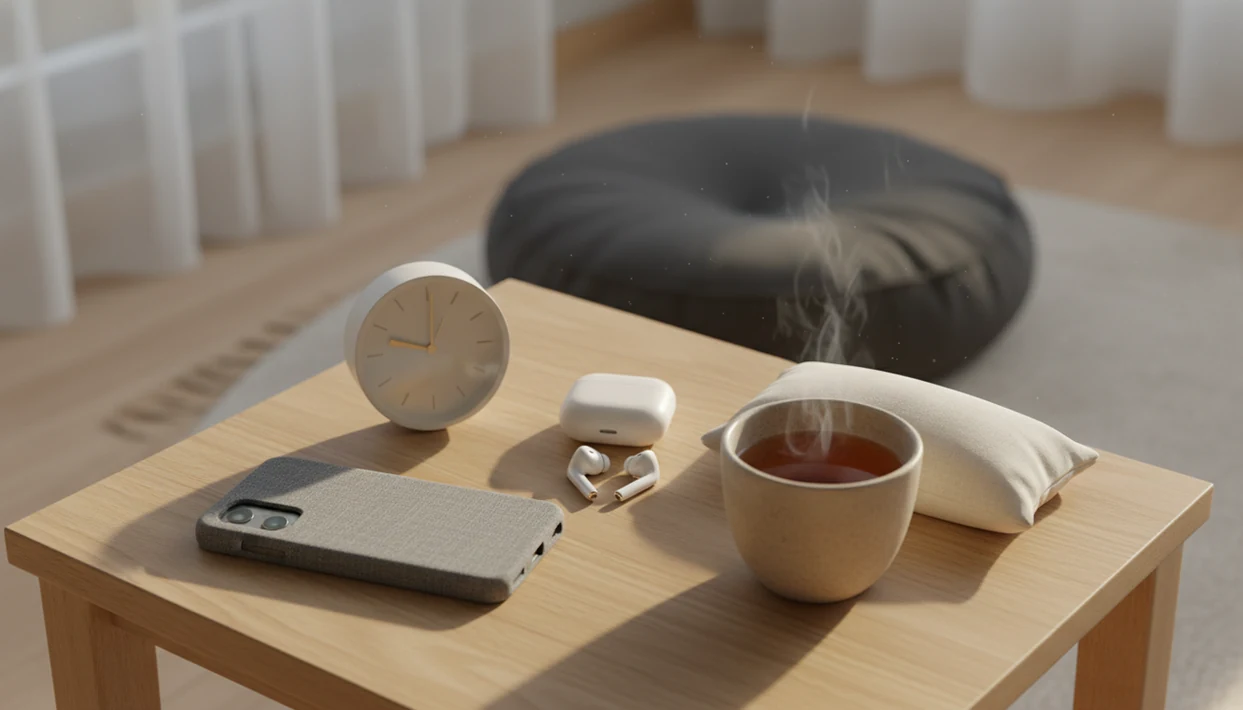


To build a meditation habit with phone reminders, start with a 1- to 5-minute guided session, attach it to one daily cue, and set one reminder for that moment. A phone meditation routine combines an app, reminders, guided audio, and low-pressure tracking to make practice easier to repeat. The useful part is having a session ready when the cue arrives, rather than deciding what to play each day.
During that short window, the phone has one job: play the chosen session without competing notifications. Do Not Disturb can help keep messages and other apps out of the routine. Streaks and statistics can offer encouragement, but they are not a verdict on the practice. Returning after a missed day matters more than keeping a perfect record.
The essentials
- Start with 1-5 minutes at the same daily time instead of waiting for motivation.
- Use daily meditation reminders, Do Not Disturb, and a chosen session so your phone supports calm instead of distraction.
- Treat streaks and stats as encouragement, not proof that you are succeeding or failing.
Meditation Habit App Basics for a Low-Pressure Phone Routine
A meditation habit app is a phone tool that can combine reminders, guided sessions, sleep audio, breathing exercises, playlists, and progress tracking. The point is repeatability, not a flawless quiet mind.
MindTastik offers guided sessions for adults seeking support with meditation, rest, breathing practice, self-hypnosis, and everyday calm. Tools like this tend to work best when you pick one brief exercise and come back to it with some consistency.
App-based meditation is now normal, not niche. In a 2021 U.S. survey of 5,469 adults, 25.8% had used a meditation or mindfulness app at least once NIH research: PMC8811751. The National Center for Complementary and Integrative Health also reported adult meditation use rose from 4.1% in 2012 to 14.2% in 2017 NCCIH mindfulness overview: meditation use in the us.
The goal is simple. Notice you drifted, then come back.
Five Facts About Building a Meditation Habit With Phone Reminders
Before you set daily meditation reminders, know what actually keeps the habit alive. A small routine you repeat beats a big routine you avoid.
- One to five minutes is enough to begin. For beginners, a tiny session lowers resistance and makes the reminder easier to obey.
- A consistent cue reduces willpower. A phone reminder after waking, lunch, or bedtime gives the habit a place to land.
- Messy sessions still count. Busy thoughts, boredom, and missed days do not erase the practice.
- Streaks can help and hurt. They motivate some users, but they can also turn calm into another score.
- Phones can support calm when controlled. A 2018 meta-analysis found smartphone mental health interventions, including mindfulness apps, produced small to moderate anxiety symptom reductions peer-reviewed research: S0165032717315307.
A 2014 JAMA Internal Medicine systematic review found mindfulness meditation programs had moderate evidence for improving anxiety, depression, and pain, but it did not show that every app or reminder routine works the same way JAMA Internal Medicine study: 1809754.
Phone Meditation Routine Mechanics Behind the Reminder Loop
A phone meditation routine works by building a cue-routine-reward loop. The reminder is the cue, the guided session is the routine, and the reward is a small sense of completion, steadiness, or relief. Pairing small accomplishments with satisfying activities can help you choose real dopamine rewards rather than rely on constant stimulation.
Implementation intentions make the loop more concrete. Instead of “I’ll meditate later,” use “after brushing my teeth, I play a 3-minute session.” That sentence matters because the decision is already made before the day gets noisy.
Guided audio also reduces decision fatigue. A beginner choosing between a 5-minute breathing exercise and a 20-minute body scan needs a clear starting point, not a huge library at 10:47 p.m.
Set the phone environment too. Use Do Not Disturb, Focus mode, app limits, bedtime mode, and one home-screen shortcut. But the phone can backfire fast if a work message or social feed interrupts the ritual.
One tap can become twenty.
Daily Meditation Reminder System Setup Before Your First Session
How should you set up daily meditation reminders before the first session? Choose one goal, one time, one short session, and one phone setting that blocks distractions.
Start with a primary goal: sleep, anxiety support, everyday calm, or beginner practice. If bedtime is the problem, a short wind-down may fit better than a morning focus track. If racing thoughts are loud, an app to help calm racing thoughts can make the goal feel more specific.
Pick a realistic time. Try after waking, during lunch, when you arrive from a commute, or before bed. Then choose a session length that feels almost too easy.
Before pressing play, turn on Do Not Disturb or Focus mode. Put the session, playlist, or shortcut where your thumb can find it without searching.
Five Steps to Use a Phone Meditation Routine
Use a phone meditation routine by making the next session obvious, short, and protected from competing apps. The first week is setup practice as much as meditation practice.
- Set one daily meditation reminder at a time you can usually keep, such as after brushing your teeth or before your pre-bed wind-down.
- Choose one short guided meditation, breathing exercise, or sleep session before the reminder fires, so you are not browsing while tired.
- Start with 1-5 minutes and only increase time after the habit feels automatic for several days.
- Silence competing apps with Focus mode, bedtime mode, notification limits, or a temporary app block.
- Review streaks lightly once a week and reset without guilt after missed days.
For beginners, a 3-minute guided session is often easier than silent meditation because the voice gives the mind somewhere to return.
Keep it boring at first. Boring repeats.
A short starting session is not a proven treatment dose
The suggested 1- to 5-minute starting session is a practical way to make the routine easier to repeat, not an established dose for reducing symptoms. A 2023 review of 28 randomized trials found that 19 studies reported improvement in at least one well-being outcome. Interventions lasted 7 to 56 days, with a median of 28 days, and varied substantially in apps, outcomes, and study quality.
A meta-analysis of 34 randomized trials found small-to-moderate improvements in stress, anxiety, depression, and psychological well-being, but no statistically significant improvement in distress or general well-being. Differences between studies and risk of bias limited certainty. These findings support modest expectations for app-based practice; they do not establish a minimum daily session length or show that maintaining an app streak produces those benefits.
Best Phone Meditation Routine for Sleep, Anxiety, and Everyday Calm
The best phone meditation routine depends on the job you want it to do: steady the morning, interrupt anxious momentum, or make bedtime less reactive. Short daytime check-ins usually build consistency; longer evening audio is useful only when it helps you settle.
| Goal | Useful session | Phone setup | Keep it simple by |
|---|---|---|---|
| Morning calm | 1-5 minute guided meditation | Reminder after alarm | Picking the same track for a week |
| Midday anxiety support | Breathing exercise or short reset | Focus mode during break | Sitting before opening email |
| Pre-bed sleep wind-down | Sleep audio or self-hypnosis | Bedtime mode and dim screen | Starting before you feel desperate |
A 2019 trial of 88 adults with sleep disturbances found app-based mindfulness improved sleep quality over 6 weeks NIH research: PMC6517562.
Morning calm reminder
Use the reminder before news, inboxes, or group chats. Socked feet on a bedroom rug can be enough of a “start here” cue.
Midday anxiety reset
Choose breathing when your body feels keyed up. For more structure, a tool that can guide breathing exercises keeps the pace visible.
Pre-bed sleep wind-down
Dim the phone screen before starting bedtime audio. If sleep is the main goal, an app to help me sleep with guided audio may fit better than a general mindfulness library.
Common Myths About Meditation Habit Apps and Streaks
Meditation habit apps work better when you drop the myths that make practice feel like a test. Noticing distraction and returning is part of the practice, not evidence that you failed.
- Myth: You must meditate 20-30 minutes every day. A few minutes can build the habit, especially when you are new or tired.
- Myth: The app only works if your mind goes blank. Thoughts will appear; the practice is noticing them without chasing every one. Learning about dopamine and mindfulness can help explain why noticing urges matters when your phone invites another tap.
- Myth: Using a phone is automatically bad for focus. A phone can help when notifications are blocked and the app opens straight to the session.
- Myth: Missing days ruins everything. A missed day is information, not a verdict.
- Myth: A streak is your meditation score. Treat streaks as feedback, not a personal report card.
If you are comparing app styles, the MindTastik vs Calm vs Headspace breakdown can help you match features to your routine.
Common Mistakes When Using Phone Meditation Reminders
The most common mistake is making the reminder system louder, longer, or more serious than the habit can handle. A good setup should feel easy to answer, especially on tired weekdays.
- Limit reminders to one main cue and maybe one backup. If your phone buzzes all day, the meditation alert becomes background noise and your thumb learns to dismiss it.
- Choose shorter sessions for ordinary workdays. A 20-minute track may sound ideal on Sunday, but a 3-minute reset is often the one you will actually start on Wednesday night.
- Open the meditation app first before social apps, inboxes, news, or messages. The routine is most fragile in the first few taps. Understanding fake dopamine versus real dopamine can help you distinguish compulsive phone checking from activities that offer lasting satisfaction.
- Use streaks gently as light feedback, not pressure. If a missed day makes you feel behind, hide the streak or check it less often.
- Turn off bedtime notifications that are no longer useful once sleep audio starts. Keep the wind-down cue, but avoid alerts that wake you after the session has done its job.
The fix is usually smaller, not stricter.
Meditation Habit Progress Checks Without Perfectionism
Check meditation habit progress after 7 days and 30 days using real-life signals, not only streaks. Consistency means returning often, not never missing a day.
After 7 days, ask simple questions. Did you remember the reminder more than once? Did you recover after a missed day? Did you choose a session instead of scrolling at least one time?
After 30 days, look for practical changes. Maybe you pause before answering a tense message. Maybe bedtime feels a little less forced. Maybe during a wakeful stretch, you start a short audio session rather than drifting into another round of scrolling. Alongside your meditation routine, consider science-backed ways to boost happiness that support everyday well-being without adding pressure to your practice.
If the routine feels heavy, adjust one variable. Shorten the session, move the reminder, or change the goal from “sleep better” to “start wind-down earlier.” Clinicians typically recommend getting professional support when anxiety, depression, trauma symptoms, or sleep problems feel severe or hard to manage alone.
A repeatable guided session, not another app to browse
MindTastik’s guided meditation library suits a phone routine built around returning to a chosen recording. Its breathing exercises offer another option for a brief pause between tasks, while sleep stories and self-hypnosis audio suit an evening wind-down. Choosing the audio before the reminder sounds keeps browsing out of the practice.
Someone who finds any phone use distracting may prefer a screen-free practice or a simple timer. MindTastik is not a medical treatment, and a reminder routine is not a substitute for care for severe anxiety or persistent sleep problems.
When phone reminders and streaks get in the way
Phone meditation can be useful, but it has real limits. A supportive practice should make everyday calm easier without pretending to solve everything.
- Meditation apps are not a replacement for professional care for severe anxiety, depression, trauma symptoms, or sleep disorders.
- Not every meditation habit app is evidence-based, well-designed, or transparent about its claims.
- Phone-based meditation can backfire if notifications, work messages, or social media pull you away.
- Streaks and progress metrics may create pressure, shame, or comparison for some people.
- The optimal dose and long-term health effects of app-only meditation are still being studied.
- Some people need non-phone supports, such as in-person classes, clinician guidance, or a screen-free bedtime routine.
- Bedtime phone use needs boundaries, especially if one “quick check” turns into late-night scrolling.
If your main issue is nighttime thought loops, a guide on how to calm racing thoughts with phone may help you set firmer rules around the device.
For flights, spotty Wi‑Fi, or bedtime without scrolling, offline meditation downloads in MindTastik explains how to save sessions offline in MindTastik.
Phone meditation habit questions
How should I set a phone reminder for meditation?
Set one reminder near an existing daily activity, such as brushing teeth, finishing lunch, or starting a bedtime routine. Choose the recording beforehand and keep the first session short. During playback, silence competing notifications so the reminder leads to meditation rather than messages or browsing.
What should I do if I keep ignoring meditation reminders?
Change one part of the setup instead of adding more alerts. Move the reminder to a more reliable daily cue, shorten the session, or choose the audio in advance. A reminder that regularly arrives during work, commuting, or another obligation may simply be poorly timed.
Does missing a day reset my meditation progress?
A missed day breaks an app streak, not the ability to return to practice. Resume at the next realistic cue without making up extra minutes. If missed days become common, review the timing and session length. The useful question is what makes returning easier, not how to preserve a perfect count.
Should I turn off meditation streaks?
Streaks can be encouraging, but they are optional. If the number creates pressure, shame, or an urge to complete sessions only for credit, stop using it as the main measure. Track practical signs instead, such as starting without browsing or returning after a missed reminder.
Can I meditate before bed without getting distracted by my phone?
Choose the audio before bedtime, dim the screen, and silence notifications before playback. Keep the session separate from messages and social feeds. If opening the phone repeatedly leads to scrolling or delays sleep, move the practice earlier or use a screen-free routine instead.
How can I avoid phone distractions while using a meditation app?
Before starting, turn on Do Not Disturb and allow only essential contacts if needed. Open your meditation session, then place the phone face down or just out of reach. Downloading audio in advance can help you avoid browsing. Keep the session simple so checking your phone does not become part of the routine.
What is the best time of day to meditate consistently?
The best time is one you can repeat without much effort. Try linking meditation to an existing routine, such as brushing your teeth, finishing lunch, or changing out of work clothes. Choose a time when you are usually available rather than an ideal time you rarely manage. Adjust if your schedule changes.
Is guided meditation better than a phone timer for beginners?
Guided meditation can help beginners by offering clear instructions and gentle prompts when attention wanders. A simple phone timer may suit you better if spoken guidance feels distracting. Neither option is automatically better for building a habit. Try each for several sessions, then choose the one that makes it easier to return regularly.