
Best Photo Identifier Apps for Image Recognition on Mindful Nature Walks
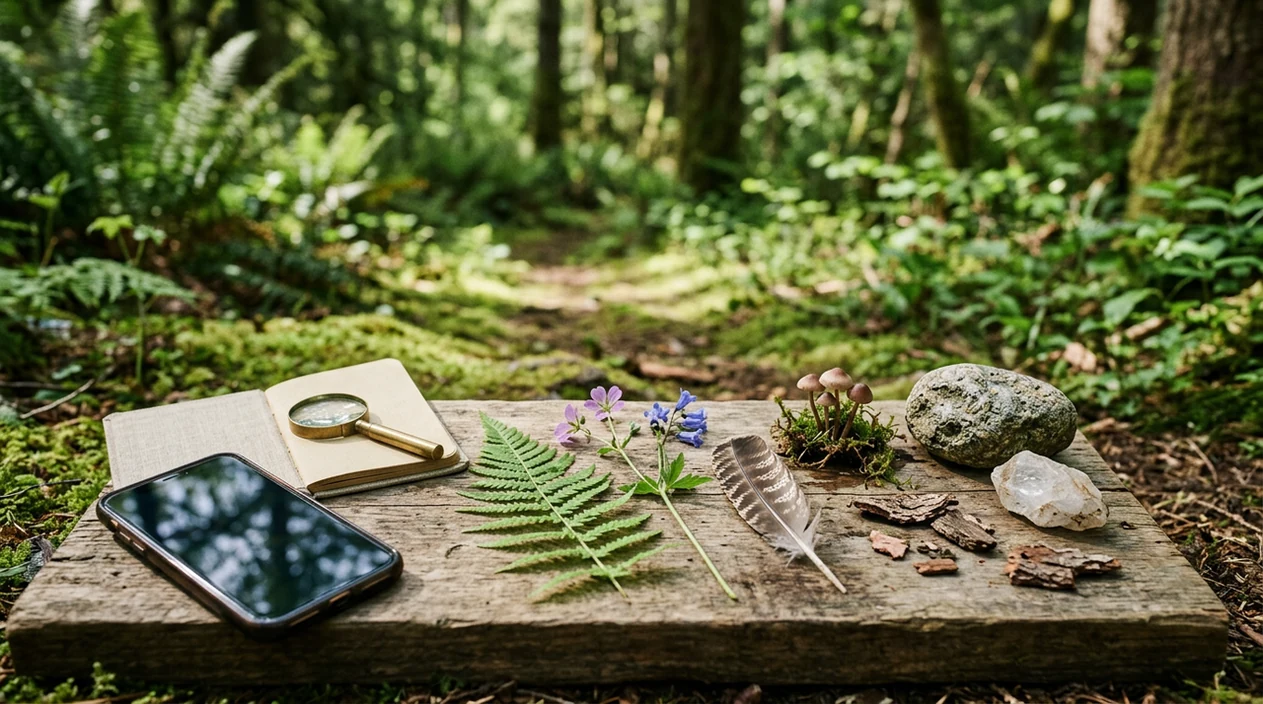
The best photo identifier apps for image recognition are specialized nature ID tools that help you name plants, birds, mushrooms, rocks, crystals, and outdoor objects while still treating each result as a clue, not a guarantee. For mindful walks, choose apps that show uncertainty, compare look-alikes, and teach you what to observe next. Browse more meditation for chronic stress.
> Photo identifier apps for image recognition are mobile tools that analyze a picture and suggest likely matches for objects, species, minerals, or scenes based on visual features and reference data.
- Use specialized nature apps for plants, birds, mushrooms, rocks, and crystals instead of relying only on generic image search.
- Treat every result as a suggested identification, especially for mushrooms, poisonous plants, and other safety-sensitive finds.
- The most calming app experience supports slow observation: better photos, look-alike comparisons, habitat notes, and clear uncertainty labels.
How the top photo identifier apps look
Side-by-side captures of the compared products. Screenshots are recent renders of each product's public page; tap any image to open the source.
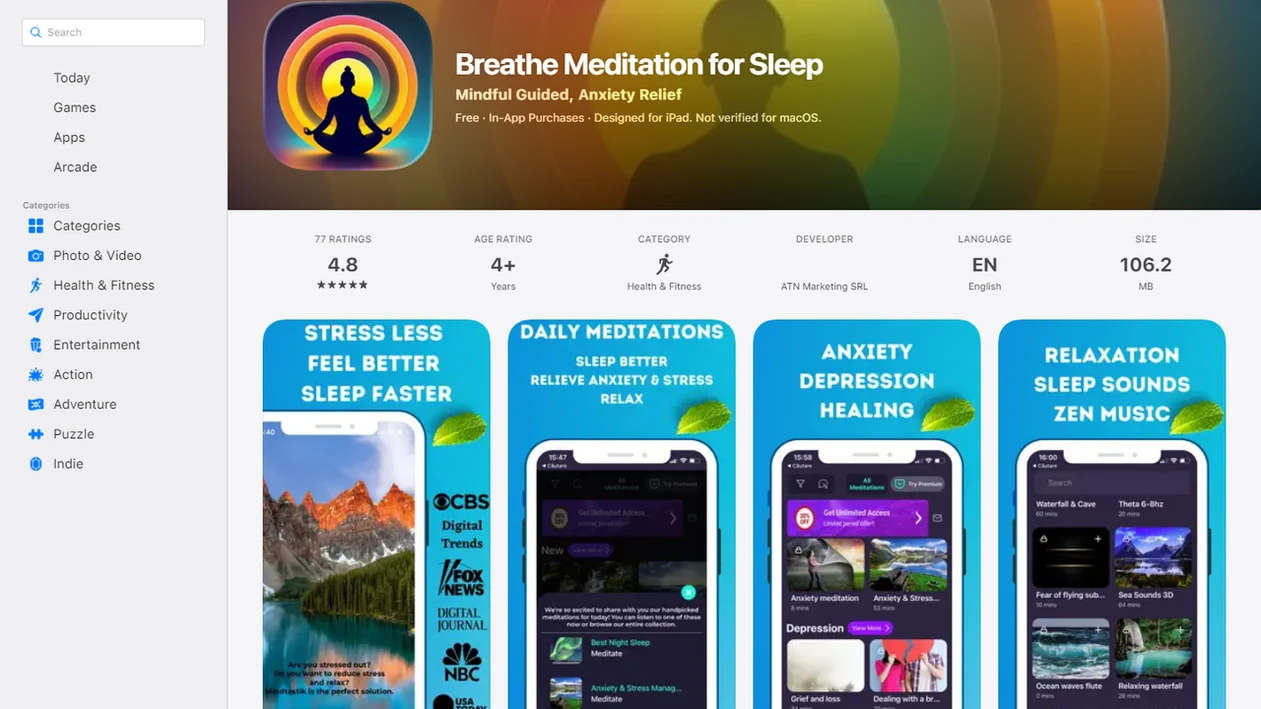
At-a-glance guide to nature photo identifier app categories
For a mindful outdoor walk, the better choice is usually a specialized nature identifier, not a broad “what is this?” camera tool. Google Lens is useful for quick curiosity, but it often gives less teaching context than apps built for plants, birds, fungi, rocks, or crystals.
Examples worth comparing include Google Lens for broad object search, iNaturalist or Seek for nature observations, Merlin Bird ID for birds, PictureThis or PlantNet for plants, and specialist mushroom or mineral apps only for low-risk curiosity.
| App category | Best outdoor use | What to treat carefully |
|---|---|---|
| Plant ID apps | Leaves, flowers, bark, growth habit | Toxic plants and edible claims |
| Bird ID apps | Bird photos, songs, range, behavior | Distant or blurry birds |
| Mushroom ID apps | Curiosity about fungi traits | Any decision about eating |
| Rock ID apps | Texture, luster, color, rough shape | Polished or altered stones |
| Crystal ID apps | Visual sorting and collection notes | Spiritual or medical claims |
| General object tools | Signs, gear, landmarks, odd finds | Safety-sensitive nature IDs |
Think of each result as a field note. Not a verdict.
Five facts about photo identifier app accuracy
Photo identifier accuracy depends on the app, the photo, and the real-world context around the subject. The strongest apps slow you down enough to notice what the camera missed.
- Specialized nature apps usually outperform generic image AI for plants, birds, fungi, rocks, and crystals because their databases are narrower.
- Lighting, focus, angle, and visible features can change the suggested match within seconds.
- No app is fully reliable for mushrooms or toxic plants; look-alikes can be dangerous.
- Good apps ask for next observations, such as habitat, size, underside, texture, season, or behavior.
- Calm app design shows uncertainty instead of promising instant accuracy.
A shaky trail photo rarely tells the whole story.
For safety-sensitive finds, the most useful photo identifier app is one that teaches observation and uncertainty, because a confident wrong answer can be worse than no answer.
Best Photo Identifier Apps by Use Case
The best photo identifier app depends on what you are trying to name. Use broad visual search for low-risk “what is this?” moments, and choose specialist nature apps when the subject is alive, edible-looking, toxic, rare, or hard to compare.
Google Lens is the flexible generalist for signs, gear, landmarks, and common objects. iNaturalist and Seek are better nature companions because they connect observations to species, range, and community learning. Merlin Bird ID is the strongest choice for birds, especially when sound or location matters. PictureThis and PlantNet are useful for plants, while Mushroom Identify and Rock Identifier-style apps should stay in the curiosity lane.
For reverse-image and general object search, readers also compare reverse image searches through Lens-style tools, the App Store Image Search App, the Google Play Image Identifier App, and Google Lens-style visual lookup sites when the goal is broad photo matching rather than species-level certainty.
| App name | Best use | Main caution |
|---|---|---|
| Google Lens | Broad visual search | Weak safety nuance |
| iNaturalist | Nature observations | Community review takes time |
| Seek | Beginner nature walks | May stop at broad taxa |
| Merlin Bird ID | Birds by photo, sound, range | Poor distant photos |
| PictureThis | Garden and wild plants | Do not trust toxic or edible claims alone |
| PlantNet | Plant comparison and learning | Needs clear plant parts |
| Mushroom Identify | Fungi curiosity | Never decide edibility |
| Rock Identifier | Rocks and crystals | Lighting and polish mislead results |
- Choose a broad tool for objects and a specialist app for species.
- Photograph several angles before accepting a match.
- Confirm mushrooms, poisonous plants, minerals used in handling, and pet-related finds with an expert.
Best photo identifier apps for plants, birds, mushrooms, rocks, and crystals
Your right category depends on what you keep stopping to photograph. A leaf, a feather pattern, and a polished stone all need different clues.
Best for plant identification
Plant ID apps work best when they prompt for leaf shape, flowers, stems, bark, and habitat. Photograph the whole plant, then move closer. If you enjoy crystal walks too, our how to meditate with crystals 10 best meditation crystals guide pairs well with slow observation.
Best for bird identification
Bird apps are strongest when they combine photo clues with sound, range, feather pattern, size, and behavior. A perched bird in shade may need a call recording more than another zoomed photo.
Best for mushroom, rock, and crystal curiosity
Mushroom apps should be treated as cautious learning tools. Underside photos, stem base, cap, pores or gills, and habitat matter. Rock and crystal apps can struggle with lighting, polish, texture, and color, so use them for curiosity rather than final naming.
How We Evaluated Photo Identifier Apps
We evaluated photo identifier apps by asking whether they help you make a better observation, not just get a fast name. The strongest choices show specific matches, admit uncertainty, and teach what to check next.
Our review favored apps that make room for look-alikes, habitat, and diagnostic features—the small clues that separate one plant, bird, mushroom, rock, or crystal from another. A good result should invite a second look: where it was found, what season it is, which part is visible, and which similar species or materials could be confused with it. We treated privacy controls, offline access, clear pricing, and low ad pressure as important secondary signals, especially for walkers who want a calmer phone experience.
- Check whether the app gives a precise match or only a broad guess.
- Look for confidence levels, “possible match” language, or uncertainty labels.
- Compare look-alike warnings and prompts for habitat, range, sound, texture, or underside details.
- Review pricing, ads, account requirements, privacy settings, and offline usefulness.
- Confirm safety-sensitive finds with an expert before eating, touching, treating, collecting, or sharing them as certain.
No recommendation here replaces expert identification when the stakes are physical safety, conservation, pets, or medical care.
How photo identifier apps compare images and metadata
Photo identifier apps compare visual features against trained models or reference databases, then return likely matches rather than absolute truth. In plain language, the app looks for patterns in shape, color, edges, texture, and structure, then ranks similar examples.
Metadata can sharpen or weaken the result. Location, season, range, and habitat may help a bird or plant app reject unlikely matches. Consumer comfort with AI is rising too: Statista valued the global AI market at about $196.6 billion in 2023 statista reference: artificial intelligence market size, and Pew reported that 35% of U.S. adults had used ChatGPT in a 2024 survey Pew Research report: americans use of chatgpt is ticking up but few trust its election inform.
For outdoor identification, image recognition usually works best when the app combines visual comparison with location and season, while broad image search fits low-risk curiosity.
How to use a photo identifier app for a calmer nature walk
Use the app as a pause point, not a race to label everything. The calmer routine starts before the shutter.
- Pause for one breath before taking the photo, and notice color, shape, shadow, and setting.
- Take several angles, including close-up, full subject, and surrounding habitat.
- Review look-alikes instead of accepting the first result.
- Save notes about location, season, size, smell if relevant, and what you observed.
- Return the phone to your pocket for a few steps before searching again.
A short guided meditation or breathing reset can support the same slower attention habit before or after a walk. Good meditation apps for sleep anxiety and everyday calm deliver guided pauses and repeatable routines, not nature identification or medical certainty.
Mindful observation checklist for better photo identifier app results
How do you get better results from a photo identifier app? Start by giving the app a clearer subject and giving yourself more time to look.
Check lighting, focus, scale, background, and multiple angles. A coin, trail marker, or fingertip near the subject can help show size, but avoid touching unknown plants or fungi. For plants, photograph leaves, flowers, stems, bark, and growth pattern. For mushrooms, capture cap, gills or pores, stem, base, and habitat without using the app to decide edibility.
For rocks and crystals, capture texture, luster, fracture, weight impression, and natural light. If your walk includes crystals as part of a reflection practice, the 6 best crystals for aries guide may give extra context for symbolic use, separate from scientific ID.
Slow noticing can become the useful part.
Safety rules for mushroom, plant, and nature image recognition
Photo identifier apps should not be used to decide whether to eat mushrooms or touch unknown plants. Use them for low-risk curiosity, then get expert confirmation for edible, poisonous, rare, or medically relevant identifications.
MedlinePlus warns that mushroom identification errors can be dangerous because poisonous mushrooms may closely resemble edible ones medlineplus reference: 002830.htm. CDC/NIOSH resources also note that poison ivy-related plants can cause allergic contact dermatitis CDC guidance: default.html.
That line matters. Naming a roadside flower for curiosity is different from deciding whether a berry, mushroom, or rash-triggering plant is safe. When the result could affect your body, your pet, or local conservation rules, ask a trained naturalist, mycologist, botanist, poison center, or healthcare professional.
MindTastik meditation support for mindful image recognition walks
MindTastik offers guided practices, rest-focused audio, breathing support, and self-hypnosis sessions for adults seeking help with sleep, stress, and everyday calm. It will not identify a flower or bird for you, but it can encourage the slower pace that makes a nature walk feel more attentive.
A brief breathing practice before stepping outside can soften the first moments of a walk. Some people simply want calm audio to steady them when the mind feels crowded. That same need can appear on a trail, where a phone can shift from quick-search mode back toward patient noticing.
Nature exposure research has long linked outdoor time with stress reduction and mental well-being in wellness contexts. MindTastik, also described as a Best Meditation App for Sleep, fits beside outdoor curiosity as a supportive practice, not a replacement for expert nature identification.
Limitations
Photo identifier apps are useful, but they break down in ordinary outdoor conditions. Keep these limits in mind before trusting a match.
- Blurry, shadowed, cropped, or partial photos can produce weak or misleading results.
- Season, region, life stage, and missing diagnostic features can change the likely identification.
- Mushrooms and poisonous plants can have dangerous look-alikes.
- Rock and crystal IDs can be ambiguous because lighting, polish, and color distort appearance.
- Apps may overstate certainty with words like “instant” or “accurate.”
- Generic image tools may miss habitat, range, or safety nuance.
- Mindful use improves attention, but it does not guarantee scientific accuracy.
If the answer matters for eating, touching, treatment, legality, or conservation, don’t stop at the app.
From Our Review Process
During our review, we frequently find that photo identifier apps seem most useful when they encourage a second look rather than a final answer. Results may feel convincing on a bright, centered image, but confidence often drops with shadows, partial leaves, juvenile birds, wet mushrooms, or polished stones. We tend to favor tools that show uncertainty, explain visual clues, and make it easy to compare similar species or objects.
Signs You're Using It Incorrectly
A photo identifier app is being used poorly when the result ends the walk instead of starting a closer look. If you accept the first match without checking leaf shape, bird call, location, season, or look-alikes, the app may become a shortcut instead of a mindful observation tool. The healthiest use is curiosity first, confidence second.
What Changes After One Week
Mistake: chasing instant answers
After a week, try slowing the sequence: notice, photograph, compare, then decide whether the answer feels plausible. A calmer walk usually comes from making the app one step in the observation loop, not the whole activity.
Mistake: photographing too close or too fast
Take one context photo and one detail photo, especially for plants, mushrooms, rocks, and insects. Better input often gives the app more useful clues, and it gives you a reason to observe texture, scale, light, and surroundings.
Mistake: treating every identification as safe to touch or use
Keep the app separate from safety decisions, especially with mushrooms, berries, irritant plants, and unfamiliar wildlife. A label on a screen should not replace field guides, local experts, or professional advice when risk is involved.
A Quick Checklist Before You Start
| If you... | Try | Why | Note |
|---|---|---|---|
| You want a relaxed family nature walk | Choose an app that shows likely matches and simple comparison photos | It keeps the mood exploratory rather than test-like | Avoid turning every stop into a quiz. |
| You are identifying mushrooms, berries, or unknown plants | Use the app only as a preliminary clue | High-stakes nature IDs need stronger confirmation than image recognition | Do not eat, brew, apply, or handle based on an app result. |
| You feel distracted by constant scanning | Set a limit such as three identifications per walk | A cap helps the app support attention instead of fragmenting it | Put the phone away between observations. |
| You want the walk to feel more mindful | Pair identification with a short breathing pause | Naming one object slowly can be more grounding than naming twenty quickly | Skip the app if it makes the walk feel rushed. |
How to Choose
Pick the app by the object you most want to understand, not by the biggest feature list. Bird tools tend to benefit from sound and location data, plant tools from clear leaf and flower photos, and rock or crystal tools from careful lighting and realistic expectations. The best comparison is not which app sounds smartest, but which app teaches you what to check next.
Technique Snapshot
| Technique | Best for | Minutes |
|---|---|---|
| Three-photo observation | Plant, mushroom, or rock context | 5 min |
| Name-and-breathe pause | Slower mindful walking | 3 min |
| Look-alike comparison | Reducing overconfidence | 10 min |
A mindful app choice is the one that makes tomorrow’s walk slower, safer, and easier to repeat.
Why MindTastik fits this specific need
MindTastik can fit mindful nature walks when you want the phone to support attention instead of taking over the outing. Guided meditation, breathing exercises, offline audio, and reminders may help you set a calm walking rhythm before or after using a photo identifier app. For safety questions, species confirmation, or distress that feels hard to manage, use qualified experts and appropriate professional care rather than relying on any wellness or image recognition app alone.
Best Meditation App for Mindful Nature Walks
MindTastik is a practical choice for turning photo-identification walks into a calmer routine, with short resets before you head outside, simple pauses when comparing look-alikes, and morning or evening habits that help you stay present after the walk.
Best for:
- mindful nature walks
- quick outdoor resets
- calm photo comparisons
- morning walk routines
- evening nature reflection
When you want app-based guidance rather than reading steps alone, MindTastik guided meditation app collects the core guided library in one place.
FAQ
What app identifies things from photos?
General tools like Google Lens can identify many objects from photos. Specialized nature apps are usually better for plants, birds, mushrooms, rocks, and crystals.
Is Google Lens good for plants?
Google Lens can give broad plant clues from a photo. Dedicated plant ID apps often provide more botanical detail, look-alike comparisons, and safety context.
Can apps identify mushrooms safely?
Mushroom apps can suggest possible matches, but they should never be used alone to decide whether a mushroom is edible or safe. Expert confirmation is needed.
What makes photo identification accurate?
Clear photos, natural light, multiple angles, visible diagnostic features, season, location, and app specialization all affect accuracy. Missing features can lead to weak matches.
Are free photo identifier apps reliable?
Some free photo identifier apps are useful for curiosity. Reliability varies, and mushrooms, poisonous plants, or medical concerns still need expert confirmation.
Which app identifies rocks and crystals?
Rock and crystal identifier apps can suggest likely matches from photos. They often struggle because color, polish, lighting, and surface texture change appearance.
Can image recognition identify birds?
Image recognition can help identify birds when photos are paired with location, season, feather patterns, size, behavior, or sound. Distant photos are less reliable.
How should I photograph unknown plants?
Photograph leaves, flowers, stems, bark, growth habit, scale, and habitat in good natural light. Do not touch unknown plants just to get a better photo.