
Mindfulness and Screen Time: A Practical Guide to Using Screens More Intentionally


Mindfulness and screen time means paying attention to why a device is being used, how it affects mood, and when to stop. It applies to phones, tablets, computers, television, and apps. The aim is not to quit screens or complete a digital detox. It is to replace automatic checking with choices that support work, rest, relationships, and other priorities.
A practical routine includes a clear intention before opening an app, fewer nonessential notifications, short breaks, and a no-scroll wind-down before bed. The same device can host an endless feed or a time-bounded breathing session. Guided meditation, sleep audio, and self-hypnosis can support a calmer routine, but they do not replace stopping points or device boundaries.
The essentials
- Mindful screen use is not a digital detox; it is a repeatable way to pause before, during, and after device use.
- The highest-leverage habits are a pre-screen intention, notification limits, short breaks, and a no-screen wind-down before bed.
- Guided meditation, breathing exercises, sleep audio, and self-hypnosis can support the calmer parts of the routine, but they work best alongside real boundaries.
Mindfulness and Screen Time: The 30-Second Answer
Mindful screen use means choosing device time on purpose, not treating every buzz, feed, or open tab as a command. The goal is intentional use, not abstinence.
The biggest targets are usually mindless scrolling, notifications, and late-night use. Those are the moments when a quick check stretches past the timer you meant to follow, or when the reading light is still on long after you planned to rest.
Screens can also support calm when the use is clear. A guided session, breathing exercise, journal prompt, or sleep audio track can be mindful screen time if you choose it before opening the device and stop when the session ends. Before opening an app, name the task: “I’m checking the bus time” or “I’m replying to two messages.”
Before You Start: Identify Your Screen Triggers
Before changing screen habits, first find the loop that keeps repeating. A short trigger audit helps you choose one realistic behavior instead of trying to fix every device habit at once.
- Check your automatic apps by looking at which ones you open without deciding. For many people, the clue is not total time; it is the app that appears under your thumb before you remember why you picked up the phone.
- Separate required use from avoidable loops. Work messages, school portals, maps, banking, and family logistics may be necessary. Endless refreshing, autoplay, and “just one more” scrolling usually deserve different boundaries.
- Notice the timing and mood around the habit. Write down whether it happens after meetings, before bed, during boredom, while anxious, or when you feel too tired to choose anything else.
- Track physical cues such as tight shoulders, dry eyes, shallow breathing, or a clenched jaw. The body often notices overload before the mind names it.
- Choose one habit to change before starting the routine, such as bedtime scrolling, checking alerts during meals, or opening a feed between tasks.
How Mindfulness and Screen Time Habits Work
Mindfulness interrupts automatic screen use by adding a pause between the urge to check and the action of opening a device.
Many screen habits run through cue-routine-reward loops. The cue might be boredom, stress, a badge, or a quiet room. The routine is opening the app. The reward is novelty, relief, distraction, or the feeling that you handled something. Infinite scroll, autoplay, badges, and algorithmic recommendations make that loop easier to repeat.
Tiny hooks add up.
Pew reported in 2023 that 17% of U.S. adults say they are online “almost constantly,” which shows how normal heavy device use has become Pew Research report: how americans view the role of digital technology in their lives. Mindfulness does not magically change every minute of screen time. It changes your relationship to the moment before use, the feeling during use, and the choice to stop.
For habit mechanics beyond screens, our guide to how to break a bad habit mindfulness covers the same pause-and-replace pattern.
Five Mindfulness and Screen Time Facts Worth Remembering
- Mindful screen use is different from no screen use; it means noticing purpose, mood, and stopping points.
- Timing, content, and displacement matter more than one universal hour limit for everyone.
- Mindless scrolling and bedtime screens are common high-impact targets because they often stretch without a clear endpoint.
- Screen time can be mindful when it supports meditation, breathing, journaling, learning, or real connection.
- For families, consistent media plans and conversations usually work better than blanket bans.
The American Academy of Pediatrics recommends a family media plan for setting routines and limits around media use healthychildren reference: Media Use in School Age Children.aspx. Pew reported in 2023 that YouTube was the most widely used teen platform, while 46% of U.S. teens said they were online almost constantly Pew Research report: teens social media and technology 2023. That does not mean YouTube is always harmful. It does mean the plan needs to be specific.
For adults, short intentional pauses are often easier than strict digital detox rules because they fit real work, school, and family schedules.
6-Step Mindfulness and Screen Time Routine for Today
Use this routine when you reach for a phone, tablet, laptop, TV remote, or game controller. It takes less time than reorganizing every app on your home screen.
- Set a one-sentence intention before opening an app: “I’m checking the bus time,” or “I’m replying to two messages.” To make intentional screen use easier after waking, consider creating a morning ritual that starts before checking your phone.
- Choose a time boundary before starting, such as 10 minutes, one episode, or one task.
- Notice body signals while scrolling, streaming, texting, or gaming: jaw tight, shoulders high, eyes tired, breath shallow.
- Pause after 10 to 20 minutes and ask, “Does this still match my intention?”
- Reset with one offline action or a short breathing exercise before switching apps.
- Review the pattern at day’s end without shame, just enough to spot one repeat loop. Pair this evening review with a morning and evening self-compassion practice to approach daily habits with less self-criticism.
A rough day still counts. The review is information, not a verdict. On difficult days, learning how to be more optimistic can support realistic hope without denying setbacks.
If you want a non-meditation version of the same skill, how to be mindful without meditating gives practical options for busy days.
Common Mindfulness and Screen Time Mistakes
The most common mistake is turning mindful screen use into another rule you can fail. The better approach is specific, flexible, and easy to restart after one messy night.
- Avoid swapping every scroll for another app. A guided session can help, but if every bored moment becomes a different screen, the loop may stay intact. Add one offline reset too: water, stretching, stepping outside, or writing one line.
- Replace vague goals with visible actions. “Use less” is hard to follow at 11:40 p.m. “No feed after brushing teeth” or “one 10-minute check after lunch” gives your brain a real instruction.
- Loosen extreme detox plans. Total bans often collapse when work, school, family, or boredom returns. Start with one boundary you can repeat on a normal Tuesday.
- Restart quickly after a binge. Do not turn one late night into a lost week. Notice the trigger, choose the next clean pause, and continue. If a late-night binge brings up older mistakes, practicing how to let go of regret can help you restart.
- Get support when needed. If screen use feels uncontrollable, disrupts sleep or relationships, or is tied to severe anxiety, depression, or safety concerns, professional help may be more appropriate than another habit tracker.
When checking becomes more than a habit
A high screen-time total does not, by itself, identify a clinical problem. A 2025 clinical review of problematic smartphone use highlights more specific concerns: impaired control, continued use despite harm, distress when the phone is unavailable, and interference with sleep, work, or relationships. These patterns deserve more attention than a daily total that includes necessary work or family communication.
When those patterns persist, a short meditation should not be treated as the whole response. The review recommends monitoring use, scheduling phone-free periods, and reducing use before bed. A record can include failed stopping attempts and disrupted activities, not just minutes online. Persistent harm or difficulty controlling use is a reason to discuss the pattern with a qualified health professional rather than keep tightening self-imposed rules.
Best Mindfulness and Screen Time Routine Before Bed
Bedtime is one of the most actionable places to change screen habits because tired brains are easy to pull into feeds. A realistic goal is a 30 to 60 minute no-scroll wind-down when your schedule allows it.
Try this before bed:
- Park the phone: charge it away from the pillow when possible.
- Dim the screen early: reduce brightness before choosing audio.
- Replace the feed: use sleep audio, guided meditation, breathwork, or reading.
- End with one cue: earbuds on the nightstand, one side slightly tangled around a charging cable, can become the reminder to stop browsing.
A meditation app can support bedtime only when the session has a clear endpoint. Guided meditation, sleep audio, breathing exercises, and self-hypnosis may help with transitions, but they are not cures for stress, insomnia, or phone dependence.
For the evidence around bedtime audio, does sleep meditation work explains what it may and may not support.
Mindfulness and Screen Time Guide for Stress, Anxiety, and Focus
Mindfulness and screen time habits work best when they match the reason you reached for the device. Stress scrolling, anxiety checking, and focus drift need different boundaries.
| Goal | Screen habit to notice | Mindful reset |
|---|---|---|
| Stress | Opening feeds to avoid a feeling | Name the emotion first |
| Anxiety support | Rechecking messages or alerts | Use a short breathing reset |
| Focus | Jumping between tabs and chats | Batch messages and single-task |
For stress scrolling
Before opening a feed, name the driver: “I’m overwhelmed,” “I’m bored,” or “I don’t want to start the next task.” That tiny label creates space.
For anxiety support
Use short breathing resets and reduce notification-checking loops. Meditation apps do not automatically fix screen habits, but guided breathing, sleep audio, and everyday calm sessions can support a time-bounded reset.
For focus blocks
Close extra tabs, batch messages, and work in one-task sessions. For many people, a five-minute breathing exercise is easier than a 20-minute body scan before a presentation. Alongside closing extra tabs, try simple ways to declutter your mind before choosing the next task.
Mindfulness and Screen Time Boundaries for Kids and Families
How much screen time is mindful for kids? Mindful screen time for kids depends on age, content, timing, school needs, sleep, and family context, not one fixed number.
Family screen rules should be clear, consistent, and age-aware. Useful starting points include co-viewing, asking what a child is watching, keeping device-free meals, and charging devices outside bedrooms where appropriate. A family media plan can turn vague arguments into shared rules.
A recent systematic review found higher screen time was associated with lower mindfulness levels among school-aged children. That finding is a signal to watch patterns, not a reason to panic over every homework video or family movie.
Blanket bans often fail when school, friends, and entertainment all live on screens. Conversations work better when they are concrete: “No autoplay after dinner,” is easier to follow than “Use your phone less.” Parents should also adjust rules for developmental stage and school requirements.
Mindfulness and Screen Time App Routine: Best For and Not For
An app-supported routine is useful when the screen has a clear purpose and a clear endpoint. It is less useful when it becomes another open-ended loop.
| Best for | Not ideal for |
|---|---|
| ✅ Guided pauses after scrolling | ✕ Replacing therapy or medical care |
| ✅ Bedtime wind-down routines | ✕ Treating mental health conditions |
| ✅ Short breathing resets | ✕ Supervising children’s device use |
| ✅ Beginner meditation guidance | ✕ Removing the need for device limits |
| ✅ Calmer transitions between tasks | ✕ Fixing compulsive scrolling by itself |
Using a meditation app is still screen use. Keep the session intentional and time-bounded. Apps such as MindTastik, Calm, and Headspace may help with guided pauses, but the boundary around the session matters just as much as the audio.
If you are comparing expectations, do meditation apps actually help covers where apps can be useful and where they fall short.
Better well-being is not proof of less scrolling
Research on mindfulness apps supports some benefits, but that is not the same as showing that an app reduces screen time. A 2023 systematic review of 28 randomized trials found that 19 studies reported improvement in at least one well-being outcome. Interventions lasted 7 to 56 days, and the apps, measures, and study quality varied substantially. These findings do not establish that MindTastik reduces scrolling.
Sleep findings also need careful interpretation. A 2025 review of 18 randomized trials reported improvements in sleep health and mental health from digital mindfulness interventions, but rated the evidence very low certainty because of methodological limitations. A useful distinction is to track two outcomes separately: whether a session helps with settling down, and whether unplanned checking actually becomes less frequent. Improvement in one does not prove improvement in the other.
Mindfulness and Screen Time Photo Caption for a Phone Pause
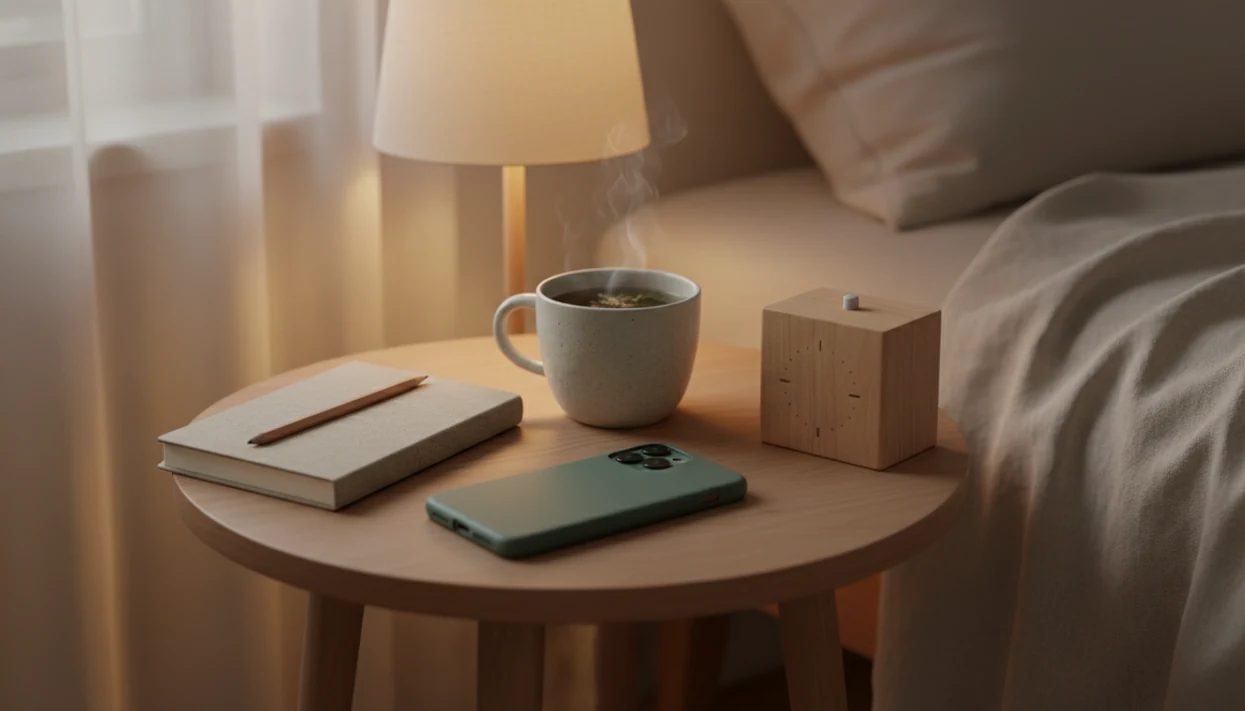
A useful image for this guide would show a person pausing before picking up a phone, or placing the phone away from the bed before sleep. The mood should feel calm, not guilty.
Caption: A quiet phone pause that shows mindfulness and screen time as a moment of intention before scrolling, messaging, or starting bedtime audio.
The detail matters. A thumb hovering over bedtime audio says something different from a dramatic “digital detox” scene. This guide is about choosing the next action with awareness. Not shame. Not purity. Just a cleaner pause between impulse and use.
Use MindTastik for a pause, not another feed
MindTastik’s short guided meditations and breathing sessions suit a planned pause after scrolling or between tasks. Its sleep stories and soundscapes can provide an alternative to browsing at bedtime. Choose a session before opening the app, then put the screen aside. The app’s breathing exercises fit a brief reset with a defined endpoint. An offline break is a better choice when opening any app tends to restart checking. Persistent loss of control needs more than meditation audio.
What mindfulness cannot fix about screen habits
Mindfulness helps many screen routines feel less automatic, but it is not a complete solution for every person or family.
- Mindfulness alone may not reduce screen time if stress, boredom, work demands, or notification overload stay unchanged.
- Digital detox advice is often unrealistic when it depends on extreme bans.
- Meditation apps can support routines, but they do not automatically fix compulsive scrolling.
- There is no universal healthy screen-time number for all adults, teens, and children.
- Screen quality, timing, and displacement of sleep, movement, work, or relationships matter.
- Some people may need professional support if screen use feels uncontrollable or is linked with serious distress.
- Parents should adapt advice to age, development, school requirements, and family context.
- Meditation can sometimes feel uncomfortable for beginners; our guide to meditation side effects explains common reactions.
If screen use is tied to severe anxiety, depression, safety concerns, or major daily disruption, clinicians typically recommend getting support from a qualified professional.
Mindful screen use questions
What is mindful screen time?
Mindful screen time means noticing the purpose, mood, and stopping point of device use. It is not a requirement to avoid screens. Checking a message, watching a chosen episode, or playing a meditation can all be intentional when the activity has a clear purpose and does not quietly expand into unrelated browsing.
How can I stop scrolling without thinking?
Start with one recurring trigger, such as boredom after work or checking in bed. Before opening the feed, name the reason and choose an endpoint. Reduce nonessential notifications and include an offline alternative, such as stretching or writing a line. If use continues despite repeated attempts to stop and causes harm, meditation alone may not be enough.
Can a meditation app help reduce screen time?
A meditation app can provide a planned alternative to scrolling, but improved well-being does not prove reduced device use. Choose the session in advance, stop browsing when it ends, and track unplanned checking separately. MindTastik is one option for guided audio, not a substitute for notification limits or phone-free periods.
How long before bed should I stop scrolling?
This guide suggests a 30 to 60 minute no-scroll wind-down when the schedule allows it, not a universal medical cutoff. The practical aim is to prevent browsing from delaying sleep. If bedtime audio is part of the routine, choose it first, dim the screen, and avoid returning to feeds after starting playback.
How much screen time is too much for adults?
There is no single healthy number that fits every adult. Necessary work, communication, and leisure have different purposes. More useful warning signs include lost control, repeated use despite harm, and interference with sleep, work, or relationships. Total minutes can help reveal patterns, but they do not explain those patterns on their own.
Is listening to sleep audio still screen time?
Starting sleep audio involves using a device, but it differs from continued scrolling when the screen is put aside and playback has an endpoint. The important distinction is what happens next. Choosing one track and leaving the phone alone supports a clearer boundary than browsing for more content throughout the wind-down.